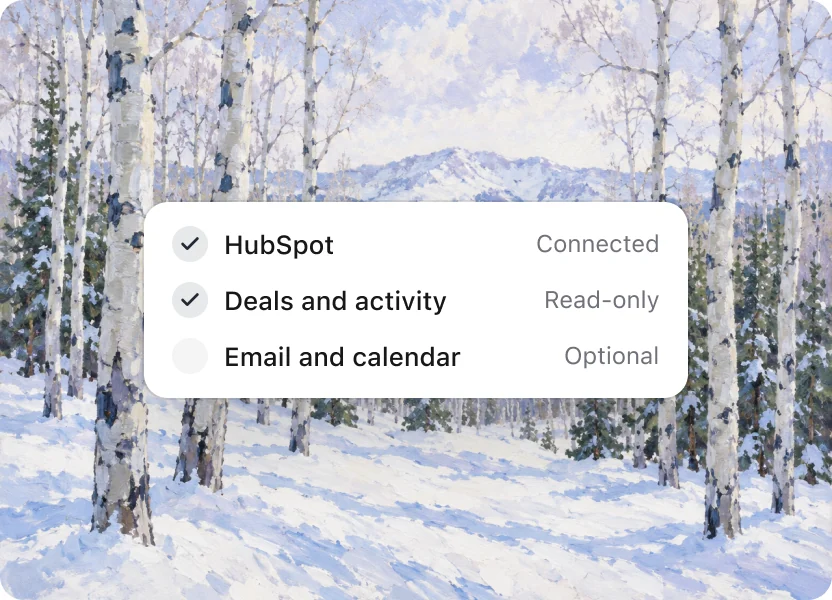
01
Connect your CRM
Discuss your existing CRM and relevant sources. Confirm supported connections and permissions before setup.
Product preview · How it works
Product preview: find a useful move across the team, review the example behind it, and choose where it could help on the next deal.
01
Discuss your existing CRM and relevant sources. Confirm supported connections and permissions before setup.
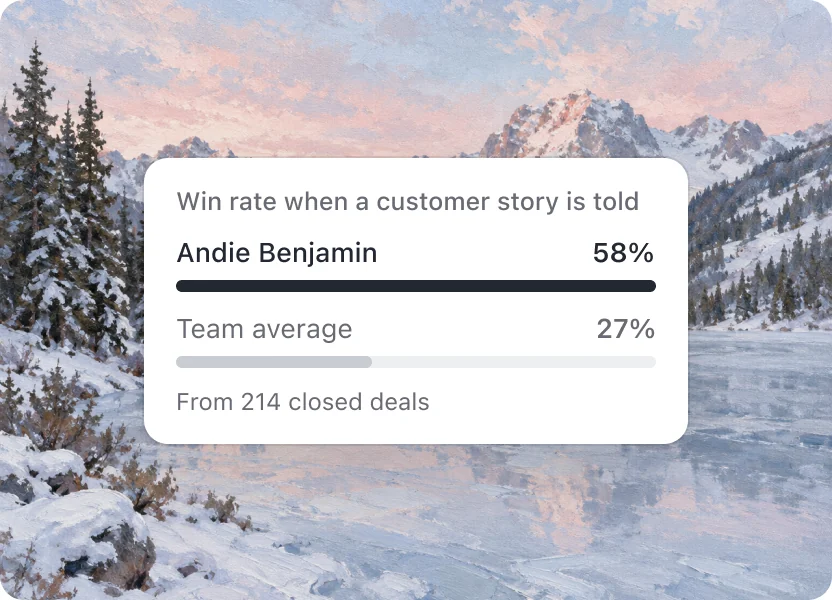
02
Look at customer stories, first calls and stakeholder conversations, alongside the situations where they happened.
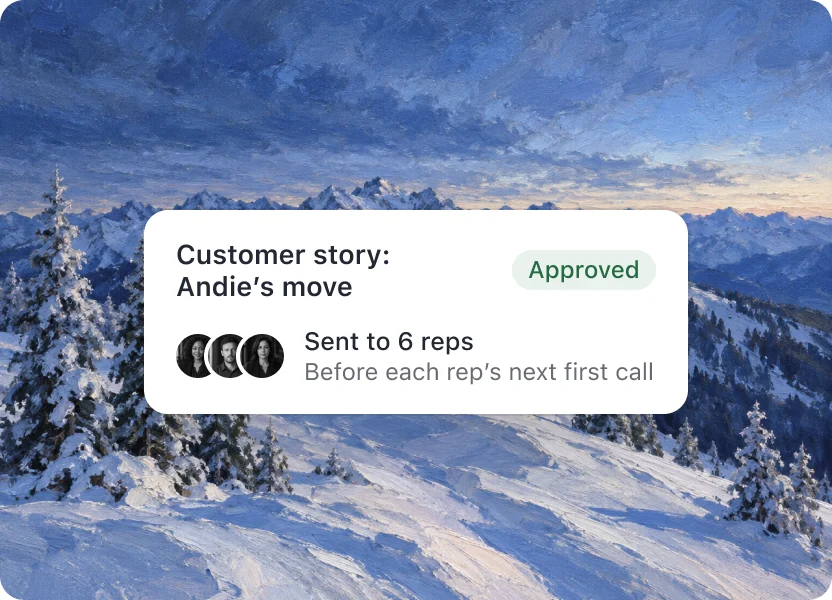
03
Review the example and make the practice clear enough for another rep to try on a real call.
Getting started
An illustrative sequence: connect your CRM, explore the findings, review them with your team, and choose a play to start with.
Step 1
Discuss the workflow and available data before connecting anything.
Step 2
Useful moves across the team, the situations behind them and examples worth sharing.

Step 3
Review the findings with your managers, using the deals behind each comparison.
Step 4
One useful move, who it fits and what to watch when people try it.
On Team: plays reach reps by email and calendar note, 30 minutes before the call. Then new findings every week as deals close.
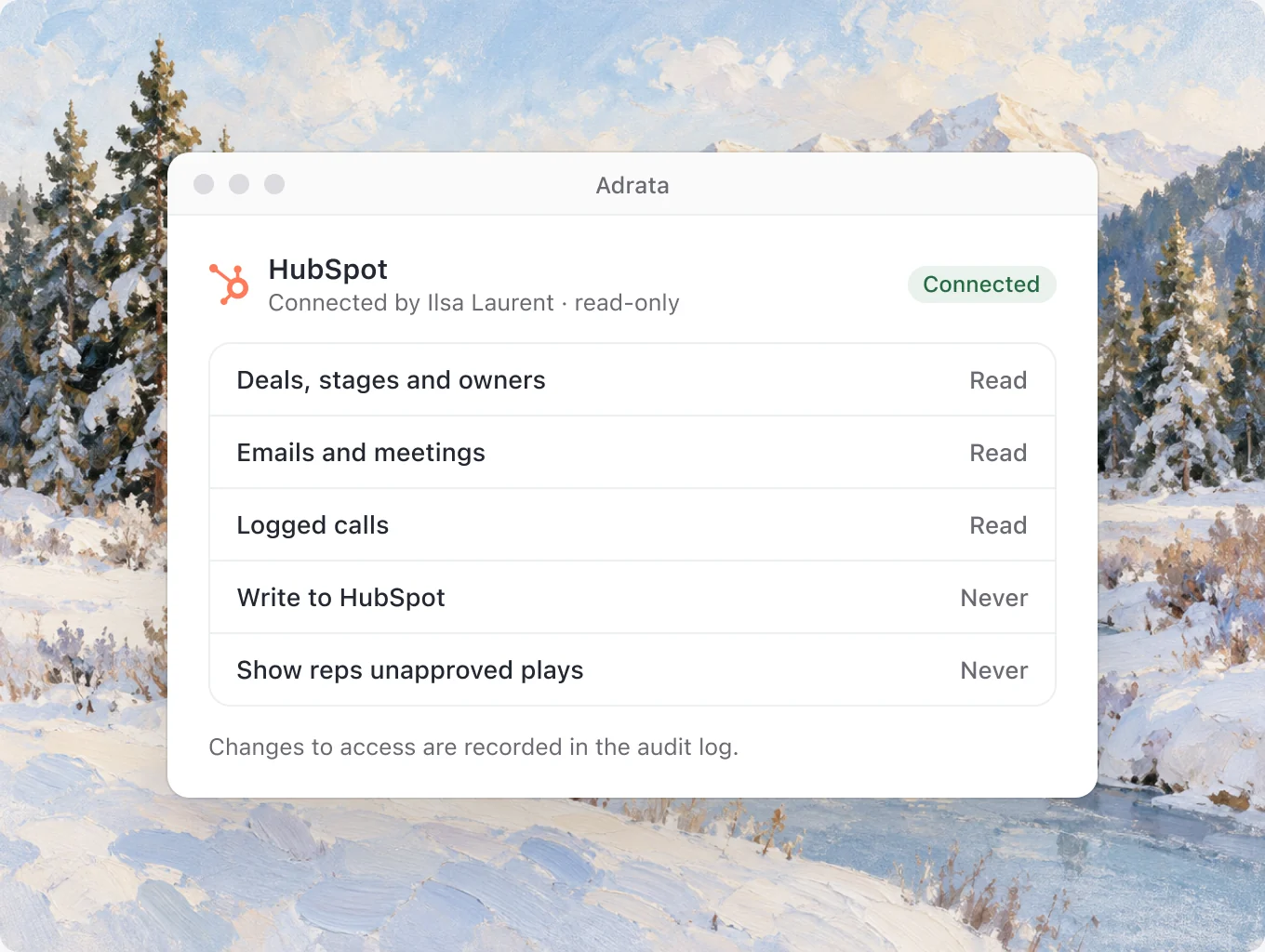
Who approves
With an enablement team
Ilsa edits the wording, picks the reps it’s for, and approves it in Needs review.

With your team
Choose an example, a person and a situation where the move could help. Review what happens after the rep tries it.
Start with your existing workflow. Discuss supported connections and setup with Colin before connecting anything.
The preview brings together deal context and relevant communication examples. Confirm the sources and permissions available for your setup during access review.
No CRM connection starts from this website. Confirm access and permissions before setup.
The preview puts human review before sharing. Discuss the approval process your team needs when requesting access.
Yes. Explore the workflow with Colin and choose a useful starting point for your team.
Connect Discuss your existing CRM and relevant sources. Confirm supported connections and permissions before setup.

Explore the product preview and request access with Colin.